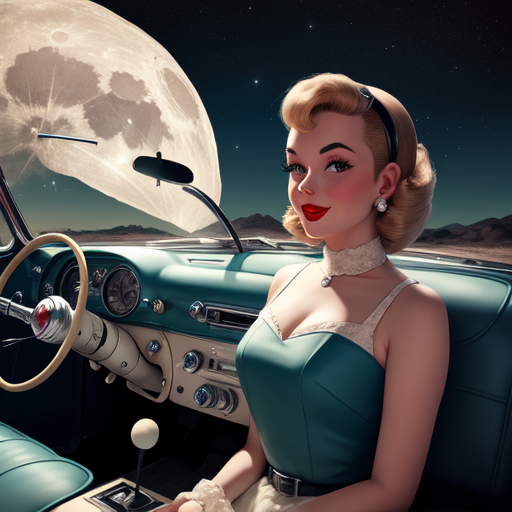
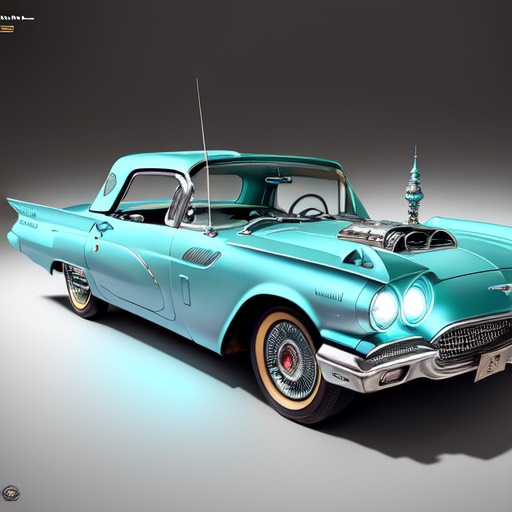
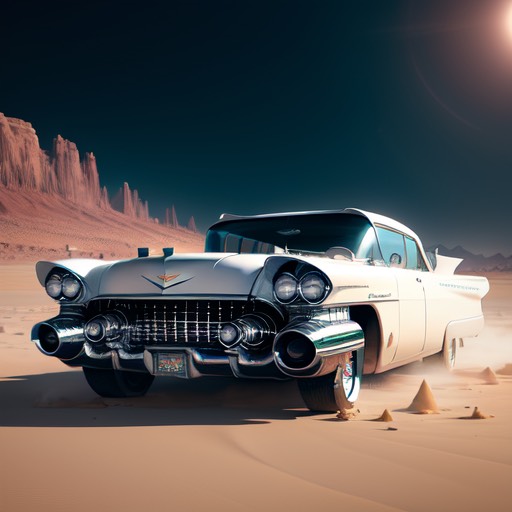
I´m new to the Artificial Intelligence apps and how they work, so I wanted to try out couple simple ones and see what type of classic cars they could generate.
Have you ever been driving on the highway and noticed a car that looks like it was designed by a computer? It may seem like a futuristic concept, but this is a reality now thanks to the emergence of artificial intelligence (AI) applications in the automotive art industry. AI is not only being used to design cars, but also to create artwork for them.
AI-driven automotive art has the potential to revolutionize the industry, as it provides a unique and efficient way to customize vehicles. AI can be used to generate intricate and complex designs that would otherwise be difficult to create manually.
One of the most exciting applications of AI in automotive is in the field of car design. As mentioned above, AI can be used to generate intricate and complex designs that would otherwise be difficult to create manually. The designs are based on certain criteria such as aesthetics, functionality, and user preferences.
AI can also be used to create virtual prototypes of cars, which can be used to test the design before it is actually made. This can save time and money as it eliminates the need for physical prototypes.
In addition to car design, AI can create unique and intricate artwork of cars from simple patterns to complex and detailed designs. Which the examples in this article refer to. These designed are based on certain criteria such as color, texture, and user preferences. Benefits of the AI in automotive art is that it provides an efficient and cost-effective way to create unique and intricate artwork for cars. AI-driven painting techniques can also be used to customize cars in an individualized way. Which I think will benefit of the future of classic car customizing.
As the technology continues to advance, it is likely that AI applications in automotive art will become even more commonplace.
Examples of AI generated Classic Car Automotive Art
Unfortunately, I don´t have access to professional level AI tools, so I got couple different ones from Apple Store for my iphone. The ones I picked up from Iphone´s app store were “AI Art Generator, Image Maker” by Ozgur Sahin with 4.2 star rating and “Artist.ai” by Livintis W.L.L. with 4.6 star rating. They are both free apps with possibility to upgrade them with more features and both for the same way, but let´s look at the Artist.ai which gives you 3 options to generate art:
- By describing your artwork and choosing the art style.
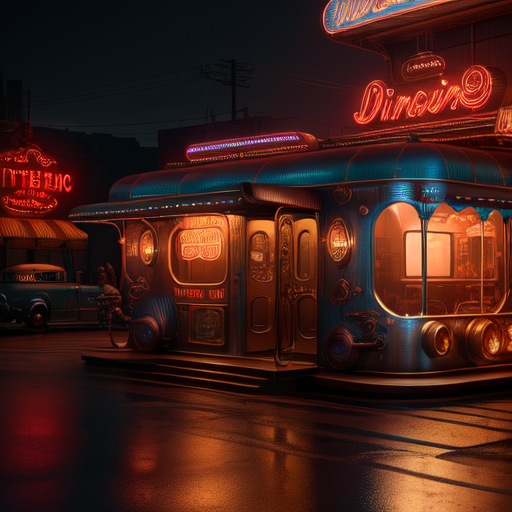
Let´s start with Artist.ai. I used “1959 Cadillac in front of a diner” as a description and 3D Art style . After selecting the parameters you can select “Details” which means how many steps the software spends generating the image. I chose highest option “50”. Then you can adjust the “prompt guidance” – higher the prompt, the more closer the loser your image will be to your prompt. This is all you need to do and then the software creates an image based on your settings.
“1959 Cadillac in front of a diner” created with Artist.ai iPhone app.
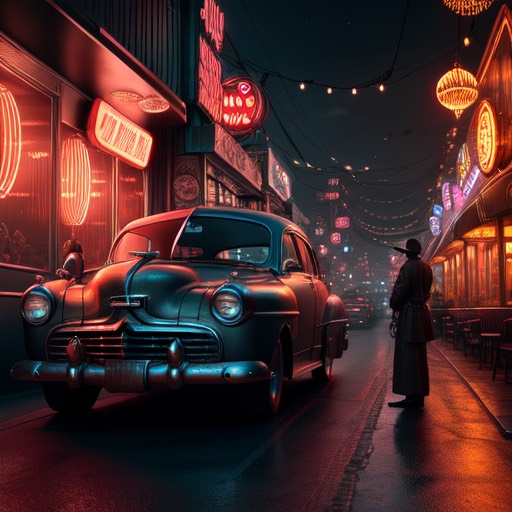
Next, Let´s try the “AI Art Generator, Image Maker” and see what we get.. Unfortunately, the AI art generator thinks “1959 Cadillac in front of a diner”, means the front of the vehicle. So I had to change it to “1959 Cadillac at a diner” with Style set at “3D”.

“1959 Cadillac at a diner” created with AI Art Generator, Image Maker iPhone app.
In my opinion the “Artist.ai” created a better looking overall vehicle. It resembles the 1959 Cadillac with large tailfins, dual headlights, fenders and grille-bumper design. However is much more futuristic. On the other hand “AI Art Generator, Image Maker” added a 1954-56 Cadillac looking roof, 1961 ( ? ) tail find and a bit of a messy looking headlights. Note that you can give more definitions, for example adding “Black 1959 Cadillac… ” on the description, you get a black car. However, every time you change something, the entire design changes.
- By uploading an existing photo
- Let´s try Artist.ai first again. I used an existing picture of my 1960 Ford Thunderbird, because the background is pretty cool.

Original photo of my 1960 Ford Thunderbird with fall colored trees in the background
-
-
- After uploading the photo, you can select the style. I chose “Picasso”. You can also select Reference Image strength on scale from 0.00-1.00, which will adjust the image strength to closer or further away from the reference image.
-
 1960 Tbird with “Picasso” style and 0.5 reference. Created with Artist.ai iPhone app.

1960 Tbird with “Picasso” style and 0.8 reference. Created with Artist.ai iPhone app.

1960 Tbird with “Picasso” style and 0.3 reference. Created with Artist.ai iPhone app.
-
- “AI Art Generator, Image Maker” has the same option, but on a free version it looks like you can only do it few times. After playing around with it last night, I could not generate anything with it today. Below are the examples from last night (luckily I used the same photo)

1960 Tbird, Style 3D Created with AI Art Generator, Image Maker iPhone app.

1960 Tbird, Style 3D Created with AI Art Generator, Image Maker iPhone app.
- From Sketch
- Artist.ai offers third option to create an AI image. You can either draw or upload a sketch that you have created. I don´t have one, so I just gave the same TBird photo a chance.

1960 Tbird with “Drawing” style and 0.4 reference. Created with Artist.ai iPhone app.
To summarize it feels to me that these free apps are not the most advanced ones, especially if you use your existing photo to create a new one. However, if you create a new image by just using the software parameters, I think you get better results. Obviously the Artist.ai is the winner of these two apps. To make these apps really useful, you would need to have much more parameters to choose from.